
Documentation menu
RBAC, approvals & audit
Who can do what, who approved it, and where the proof lives
This is the page for whoever has to answer "who can change production, and how do we prove what they did?" OrcaMonitor answers both from the same place: permissions decide what is possible, and the audit trail records what actually happened — including the requests that were refused.
Users and roles
Access is role-based. A user holds roles, roles hold permissions, and nothing grants access implicitly — there is no "staff users can see everything" shortcut that quietly widens over time.
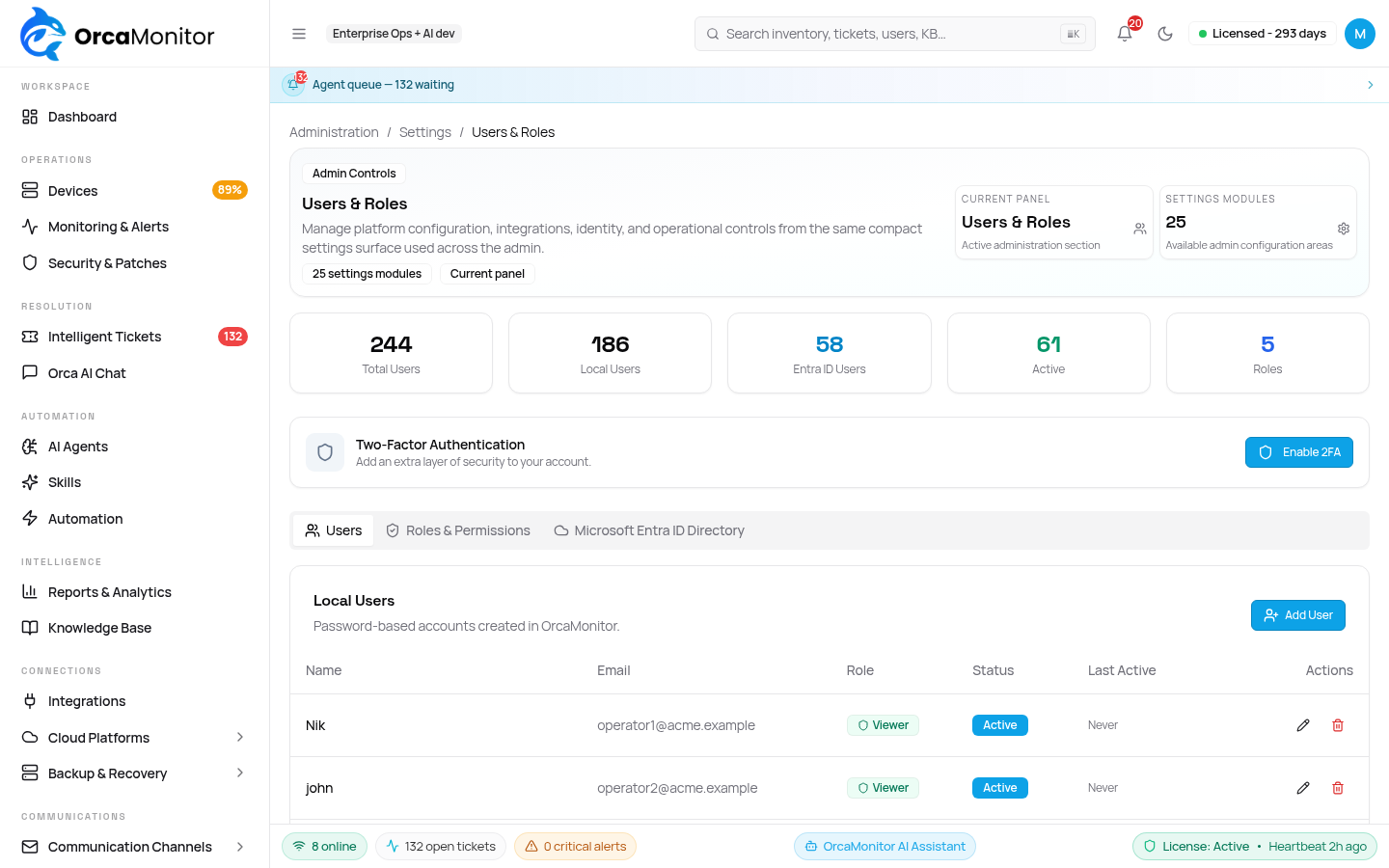
| Role | Intended for |
|---|---|
| Admin | Full system access with all permissions |
| Security Admin | Elevated access: integrations, settings, AI models and monitoring config |
| Operator | Day-to-day operations: devices, alerts, tickets and remediation |
| Viewer | Read-only access across all modules |
| Auditor | Read-only access with audit and export capabilities |
Roles are admin-definable rather than a fixed set of five. A custom role is reported by its own name everywhere, including in refusal messages — the platform will not tell a user on a custom role that they are anonymous.
The permission catalogue
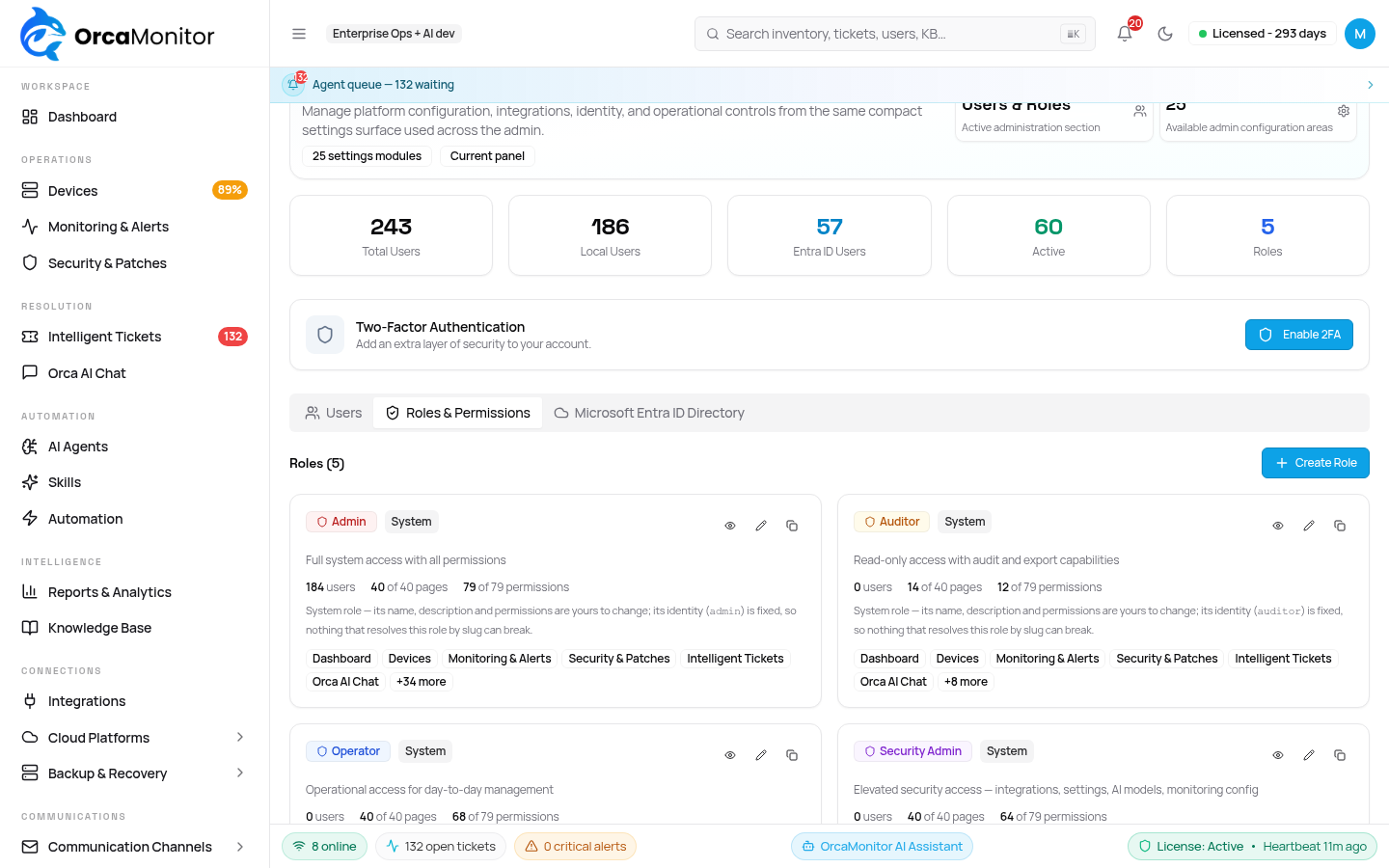
Permissions are organised into a tree that mirrors the sidebar, so a permission's place in the tree tells you where in the product it applies. The catalogue is complete by construction: every permission row must appear in exactly one place, and a permission that no page claims fails a build check rather than vanishing silently.
The role list is the entry point: each card shows the role's identity, how many members hold it, and how much of the platform it reaches — pages and permissions counted against the whole catalogue. A role is edited from the card's own control, so the counts and the grants are read in the same place.
- Page gates — each page has its own permission, including each settings page.
- Action gates — actions within a page are separately grantable.
- Not-enforced badge — a permission that nothing reads is labelled, so the editor does not imply control it does not have.
- Aliases — a page that is genuinely the same thing as another is marked as an alias instead of being granted twice.
Superusers bypass permission gates by design. That means a page can look correctly shipped to the person who built it while being unreachable for every other role — worth remembering whenever a new page is added, and worth testing with a non-superuser account.
Approval policy
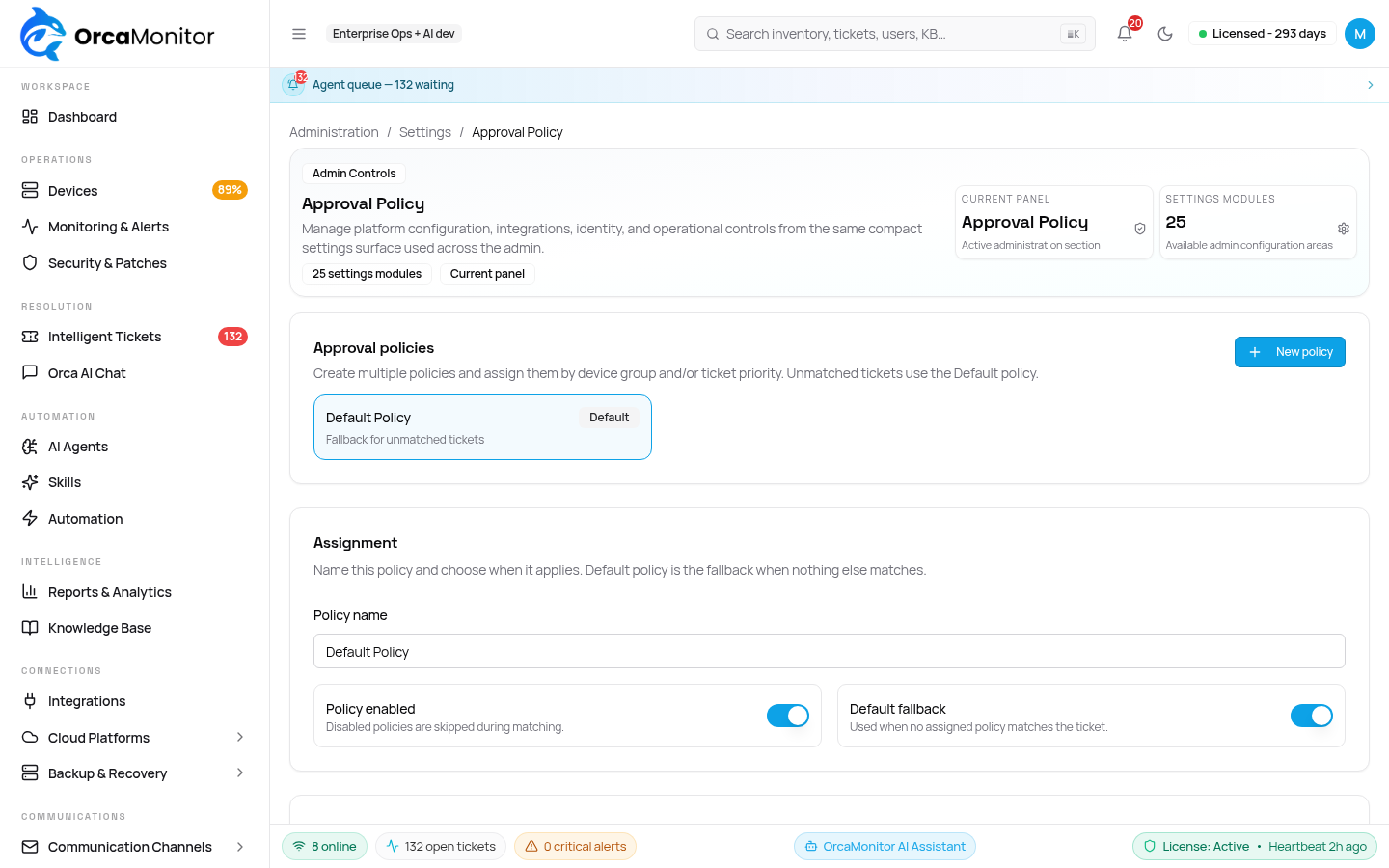
Approval is what separates a diagnosis engine from an autonomous one. Mutating actions require a human decision, and the policy is configurable so you can tune what counts as risky for your environment rather than accepting ours.
- Read-only operations run without a gate — investigation should never need permission.
- Configuration changes require approval, with the exact command list shown before the decision.
- Destructive actions are marked as such, and stay marked in the audit trail.
- An approval can be revoked only by stopping the run, before execution completes.
The audit trail
The audit trail records both successful actions and refused ones. A denial is evidence in its own right — "who tried to do this and was stopped" is exactly the question an access review asks, and it is unanswerable if only successes are logged.
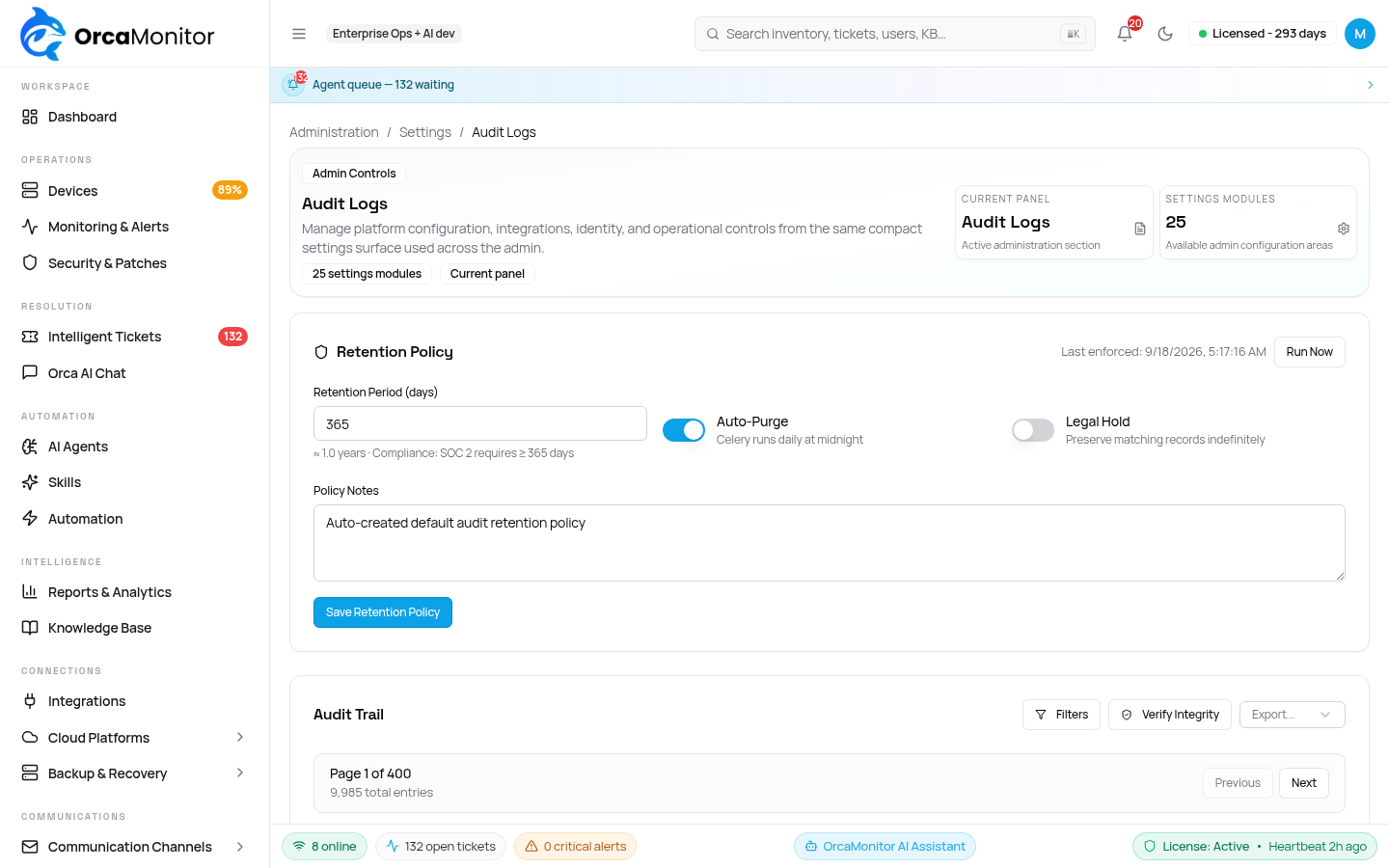
| Recorded | Includes |
|---|---|
| Authentication | Sign-in, SSO, password and session events |
| Access refusals | The action attempted, the permission required, the roles the caller held |
| Approvals | Who decided, when, and what they decided on |
| Command execution | Target device, command, trigger and outcome |
| Configuration changes | Before and after, with the diff |
Unauthenticated attempts from private addresses are deliberately not written to the trail, so a health check hitting a protected endpoint does not flood the record. A refusal involving a real identity, or an external client, always is.
Tamper-evident history
For environments where an audit log must survive the platform itself, history can be mirrored to a git-backed immutable store. Each entry is committed, so an edit is visible as a change rather than being invisible by default.
- Every audited event becomes a commit with its own identity.
- History is therefore diffable and verifiable rather than a mutable table.
- Falls back to a local store when the git backend is unavailable, so auditing degrades rather than stops.
Runtime guardrails
A component and configuration scanner runs against the platform's own surface to catch drift — an exposed endpoint, a weakened setting, an unexpected component. Findings are surfaced like any other security finding and can be tracked to resolution.
- Component scanning for unexpected or vulnerable components.
- Runtime guardrails that classify and block risky command patterns before execution.
- Findings carry an audit event, so a detection is itself auditable.
- Modes let you observe before enforcing — see what would have been blocked during rollout.
OrcaMonitor documentation v1.0.0 · Report a problem
See every module, pricing tier, and deployment option on the OrcaMonitor overview.